
Why Batch PNG to Text Converter Useful?
PNG to Text conversion has become an essential digital tool in today’s fast-moving world. PNG to Text tools help users extract written content from image files quickly and accurately. PNG to Text allows individuals and organizations to turn static images into editable, searchable, and shareable text in seconds.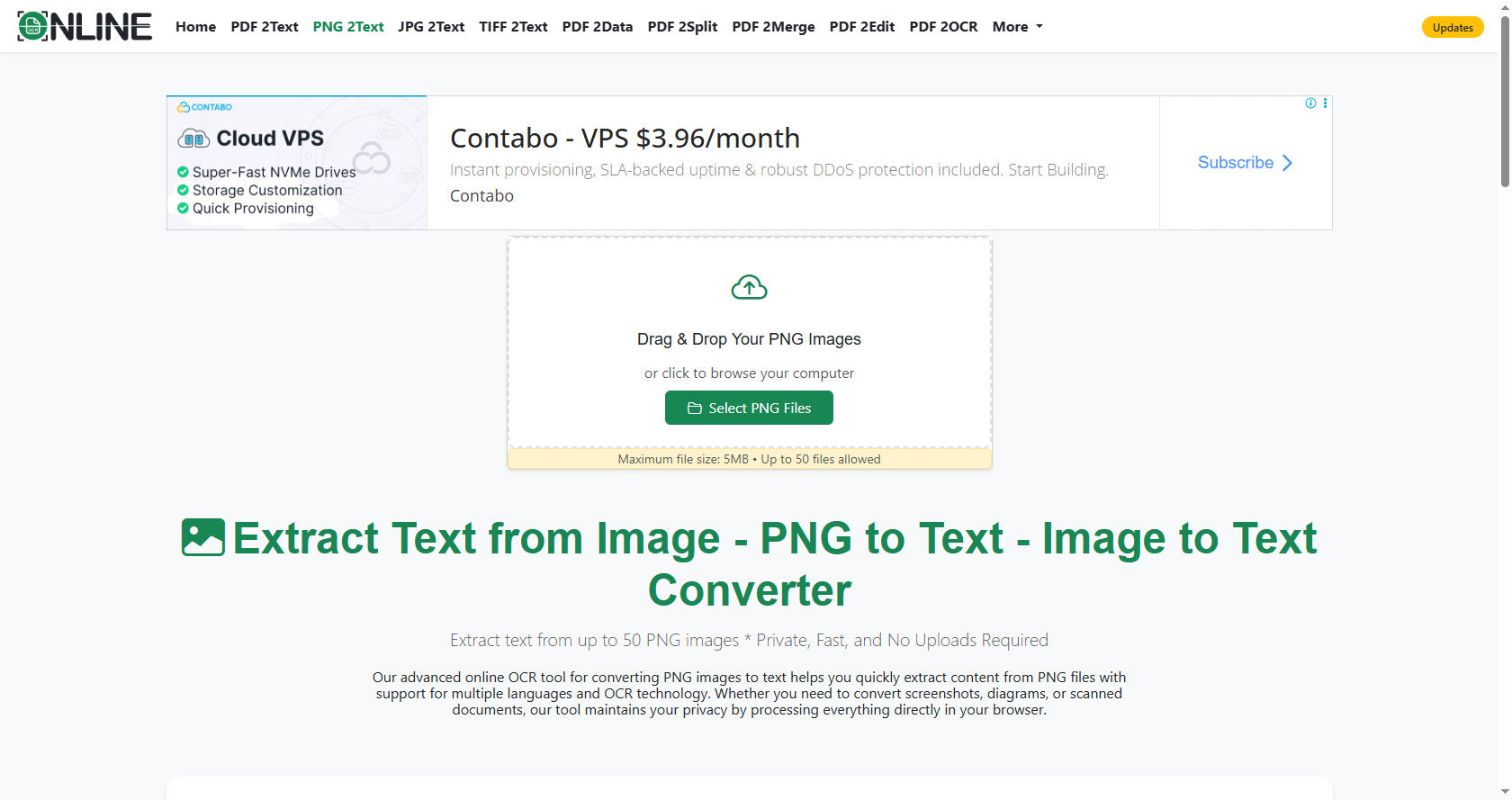
PNG to Text technology works by analyzing characters inside an image and converting them into machine-readable text. When you use PNG to Text software, it scans the image using Optical Character Recognition (OCR). Instead of typing everything manually, PNG to Text systems automatically recognize letters, numbers, and symbols.
A batch PNG to Text converter takes this process to the next level. With batch PNG to Text processing, users can convert multiple PNG files at the same time instead of uploading them one by one. If you regularly work with images, PNG to Text tools can dramatically improve efficiency and reduce repetitive work.
In this comprehensive guide, we will explore why batch conversion matters, who benefits from it, and how it can transform productivity in schools, businesses, healthcare, legal services, and digital marketing.
Understanding the Core Benefits of Batch Conversion
Faster Processing of Large Volumes
The biggest advantage of PNG to Text tools is speed. Instead of opening each file separately, PNG to Text batch converters allow users to upload dozens or even hundreds of images at once.
Batch PNG to Text solutions save hours of manual effort. When hundreds of images require PNG to Text conversion, automation becomes essential rather than optional.
This is especially useful for organizations that handle scanned documents daily. Rather than assigning staff to type information manually, automated systems handle the workload in minutes.
Significant Time Savings
Time is valuable, and PNG to Text automation protects it. By using batch PNG to Text features, businesses can focus on meaningful tasks instead of repetitive typing.
Professionals who depend on PNG to Text tools often report improved workflow and reduced stress. The ability to process many files at once means fewer interruptions and smoother operations.
Students, researchers, and office workers benefit equally. Instead of spending an entire evening copying text from screenshots, they can complete the job in a fraction of the time.
Improved Accuracy and Reduced Errors
Modern PNG to Text engines rely on advanced OCR technology. As a result, PNG to Text output today is far more accurate than early versions of OCR software.
Batch PNG to Text platforms apply consistent recognition settings across multiple files. This consistency reduces human typing errors and ensures uniform formatting.
Manual typing can lead to spelling mistakes, skipped lines, or formatting inconsistencies. Automated tools minimize such risks and maintain quality standards.
Increased Productivity
Productivity improves when PNG to Text tools remove repetitive tasks. Instead of switching between tabs and documents, PNG to Text automation streamlines the entire process.
In offices, PNG to Text automation frees employees to focus on analysis, communication, and decision-making rather than data entry.
Over time, these small improvements add up. Teams become more efficient, deadlines are easier to meet, and overall performance increases.
Who Benefits Most from Batch Conversion?
Students and Educators
Students benefit greatly from PNG to Text conversion. With PNG to Text software, they can extract notes from screenshots, scanned textbooks, or online study materials.
Teachers also use PNG to Text tools to digitize printed assignments or handwritten notes. This makes content easier to share and archive.
For research projects, students often collect information from multiple sources. Batch processing allows them to convert all materials at once, saving hours of manual effort.
Businesses and Corporate Offices
In the business world, PNG to Text plays a critical role in document management. Companies often implement PNG to Text systems to convert scanned invoices, receipts, and reports into editable formats.
By integrating PNG to Text tools into workflow systems, businesses reduce paperwork and speed up administrative tasks.
Finance departments, HR teams, and administrative staff benefit from automation. Instead of manually entering data from scanned forms, they can rely on digital conversion tools.
Legal Professionals
Law firms rely on PNG to Text solutions for handling scanned contracts and legal documents. Instead of manually typing lengthy documents, PNG to Text automation simplifies document preparation.
Secure PNG to Text platforms also ensure confidentiality and data protection, which is vital in legal environments.
Legal teams frequently manage large volumes of case files. Batch conversion ensures that multiple documents are processed quickly and accurately.
Healthcare Organizations
Hospitals also benefit from PNG to Text systems. Medical staff use PNG to Text software to digitize patient records and test reports.
Reliable PNG to Text systems help healthcare providers store searchable medical records. This improves efficiency and patient care.
Doctors and nurses can quickly retrieve patient information without flipping through stacks of paper documents.
Key Features to Look for in a Batch Converter
When selecting a batch PNG to Text converter, certain features are essential.
High quality PNG to Text software should offer strong OCR accuracy. Clear recognition of fonts, handwriting, and different layouts is important.
Another key feature in PNG to Text tools is language support. Multilingual recognition ensures accurate conversion of global content.
Cloud based PNG to Text platforms provide flexibility. Users can upload files from anywhere and access results instantly.
Additional useful features include:
-
Drag and drop file upload
-
Secure data encryption
-
Multiple output formats (TXT, DOCX, PDF)
-
Fast processing speed
-
User friendly interface
Choosing the right tool depends on your specific needs, but batch capability should always be a priority if you handle multiple files regularly.
How Batch Conversion Technology Works
Understanding how PNG to Text works helps users appreciate its value.
First, the software scans the PNG image and detects text areas. Next, the PNG to Text engine identifies individual characters using pattern recognition algorithms.
Finally, PNG to Text software converts the recognized characters into editable digital text.
In batch mode, PNG to Text systems repeat this process automatically for every uploaded file. The user does not need to restart the process for each image.
Advanced OCR systems also adjust brightness, contrast, and alignment to improve recognition accuracy. This is especially helpful for low-quality scans.
Enhancing Digital Marketing and SEO
For digital marketers, PNG to Text can support content optimization. Many businesses receive promotional materials, screenshots, and infographics in image format.
Using PNG to Text strategically allows marketers to extract valuable written content from visuals. Websites that apply PNG to Text conversion can make previously hidden text searchable by search engines.
Search engines cannot read text inside images easily. When businesses convert images into editable text, they improve accessibility and search visibility.
This helps websites rank better and attract more traffic.
Environmental and Cost Benefits
Batch conversion also supports sustainability.
Reducing paper usage means fewer printed documents. Organizations that digitize their files contribute to environmental conservation.
In addition, automation reduces labor costs. Instead of hiring staff for manual data entry, companies can invest in technology that performs the same task more efficiently.
Over time, the savings can be substantial.
Security and Data Protection
Security is an important consideration when handling digital documents.
Modern converters often include encryption and secure servers. This ensures that uploaded files remain confidential.
Organizations dealing with sensitive data should always choose tools that comply with data protection regulations.
Local offline software options are also available for institutions that prefer not to upload files to cloud servers.
Accessibility and Inclusivity
Batch conversion supports accessibility.
Extracted text can be used with screen readers, making content accessible to visually impaired users.
Digitized text can also be resized, translated, or converted into audio. This expands learning and communication opportunities for diverse audiences.
In education and corporate environments, inclusive tools promote equal access to information.
Common Challenges and Solutions
While batch converters are powerful, users may face some challenges.
Low resolution images can reduce accuracy. To solve this, users should ensure clear scans with good lighting.
Complex layouts with columns and tables may also create formatting issues. Advanced tools with layout detection can handle such structures more effectively.
Handwritten text can sometimes be difficult to recognize. Choosing software with strong handwriting recognition improves results.
Regular software updates also enhance accuracy and performance.
Tips for Getting the Best Results
To maximize efficiency:
-
Use high resolution images
-
Avoid blurry or tilted scans
-
Organize files before batch upload
-
Choose the correct output format
-
Review converted text for minor corrections
Following these steps ensures smoother processing and higher accuracy.
Future of Image to Text Technology
Technology continues to evolve.
Artificial intelligence and machine learning are improving OCR performance every year. Future systems may offer near perfect accuracy even with complex handwriting or unusual fonts.
Integration with cloud storage platforms, mobile apps, and collaboration tools will make digital workflows even more seamless.
As businesses continue to shift toward digital transformation, automated conversion tools will become even more essential.
Conclusion
Batch conversion technology has transformed the way individuals and organizations manage digital content. Instead of spending countless hours typing information from images, users can rely on automated systems to handle the task quickly and accurately.
The benefits are clear: speed, efficiency, accuracy, cost savings, environmental support, and improved accessibility. Students complete assignments faster. Businesses streamline administrative work. Legal and healthcare professionals manage documents securely and efficiently.
The ability to process multiple files at once is what truly sets batch converters apart. Handling dozens or hundreds of images in one operation eliminates repetitive steps and increases productivity.
In today’s digital age, information moves quickly. Organizations that adopt smart automation tools gain a competitive advantage. They reduce errors, save time, and improve overall workflow.
For a 12th grade student learning about digital tools, understanding this technology highlights how innovation simplifies everyday tasks. For professionals, it represents a practical solution to common challenges.
As artificial intelligence continues to advance, image recognition and text extraction will only become more powerful. Investing in reliable batch conversion solutions today prepares individuals and businesses for a more efficient tomorrow.
Automation is no longer optional in a fast-paced world. It is essential. Batch conversion tools provide a simple yet powerful way to turn static images into dynamic, usable content — and that is why they are so useful.